What to Do First When Your Computer Is Hacked
Discovering that your computer has been compromised by malware, spyware, or a remote access scam can be alarming. However, taking the right technical steps immediately can prevent identity theft, financial loss, and permanent system corruption.
Follow this emergency triage protocol to isolate the threat and protect your personal files.
Emergency Checklist: 4 Steps to Take Immediately
1. Isolate the Computer from the Network
Disconnecting from the internet prevents hackers from accessing your system remotely, stealing files, or spreading malware to other devices on your home or office network.
- Wi-Fi: Turn off Wi-Fi immediately using the physical switch or Windows Action Center taskbar icon.
- Ethernet: Unplug the network cable directly from your PC or laptop.
2. Do Not Log Into Sensitive Accounts
If keyloggers or active session hijackers are running on your machine, typing passwords will expose them directly to attackers. Do not log into online banking, email, or social media on the infected computer.
3. Change Passwords from a Clean Device
Using a separate, uncompromised device—such as your smartphone or a secondary clean laptop—begin changing passwords for your most critical accounts:
- Primary email accounts (used for password resets)
- Online banking and financial portals
- Password managers and cloud storage services
Enable Two-Factor Authentication (2FA) on every account that supports it.
4. Do Not Call Fake Tech Support Numbers
If your screen is locked by a full-screen pop-up claiming to be "Microsoft Support" or "Windows Security," do not call the phone number listed. Microsoft and Apple never display phone numbers in security alerts. Force shutdown your computer by holding the power button for 10 seconds to clear the pop-up.
How Professional Malware & Spyware Removal Works
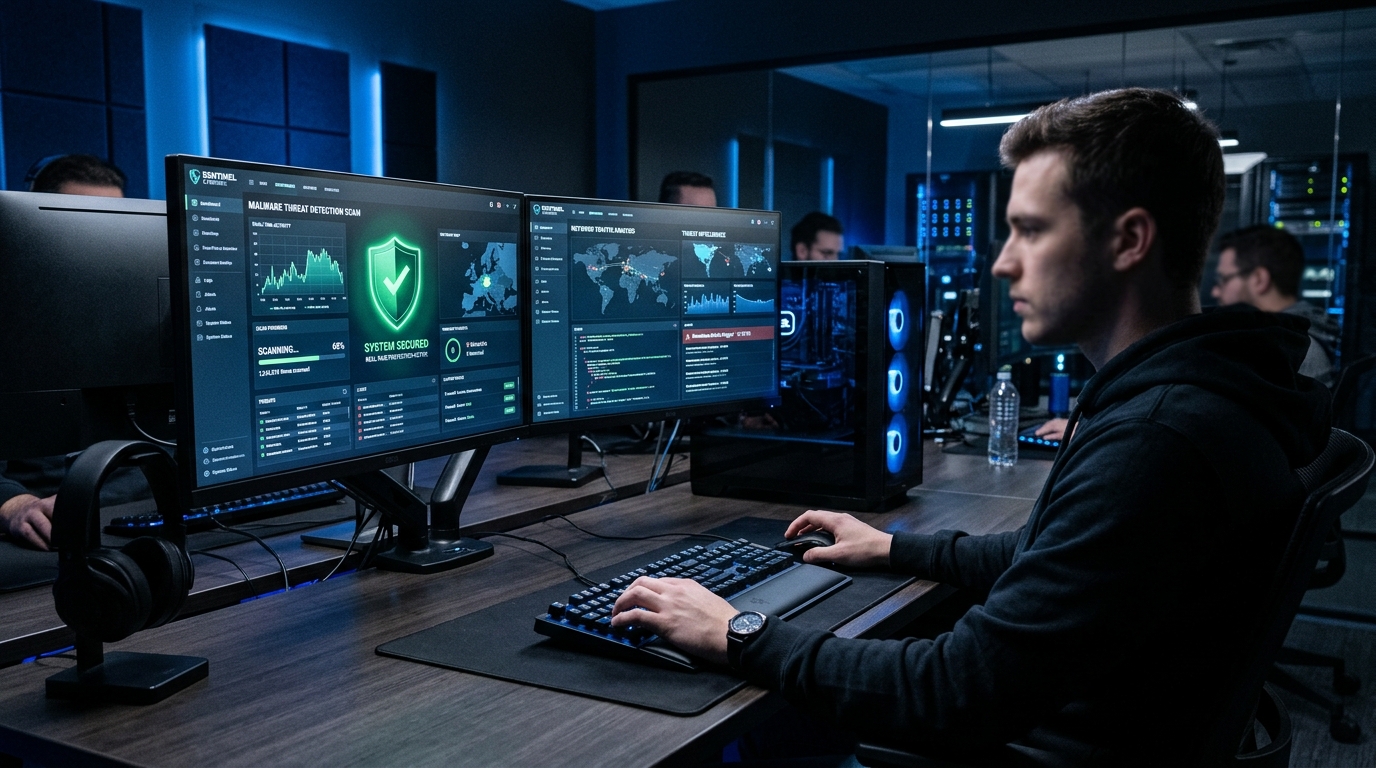
Standard consumer antivirus tools often fail to remove rootkits, persistent trojans, or compromised system files once an infection takes hold. Professional remediation involves:
- Offline System Scanning: Booting into an isolated environment (such as WinPE media) to clear stubborn malicious processes without allowing them to execute.
- Registry & Autorun Remediation: Cleaning compromised startup entries, scheduled tasks, and rogue browser extensions.
- Operating System Repair: Restoring corrupted Windows system files and security policies.
Why Ballwin Residents Choose Dimension Computer for Virus Cleanups
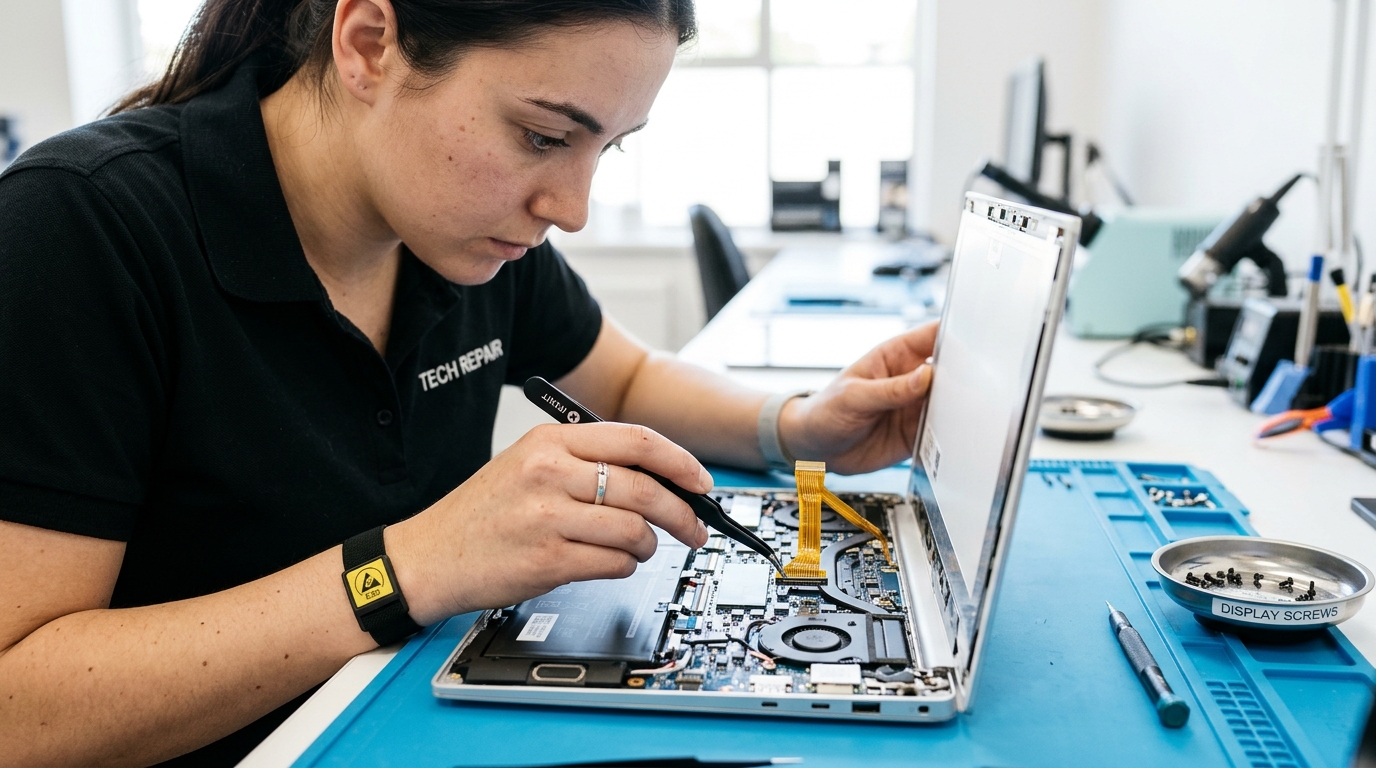
At Dimension Computer, we have provided expert malware removal, data recovery, and computer security services to Ballwin, Ellisville, Manchester, and West County St. Louis for over 28 years. We inspect your hardware, eliminate persistent security threats, and back up your critical documents safely before performing any deep operating system repair.
Frequently Asked Questions
Q: Can malware survive a factory reset?
In some cases, sophisticated malware can infect motherboard BIOS/UEFI firmware or corrupt factory recovery partitions. A clean reinstall of Windows from verified installation media is recommended for high-risk infections.
Q: How do I know if my computer is actually hacked?
Common indicators include unexpected pop-up windows, your fan running constantly at high speeds, mouse movement without user input, passwords suddenly failing to work, or contacts receiving spam messages from your account.
Q: Where can I bring my PC for virus removal in St. Louis?
You can drop off your desktop or laptop at Dimension Computer, 14560 Manchester Road, Suite 20, Ballwin, MO 63011. No appointment is necessary.